

If Samsung opens the One UI 9 beta program in the US, here’s exactly how to enroll safely.

Step 1: Check Device Eligibility
Only flagship models typically qualify first.
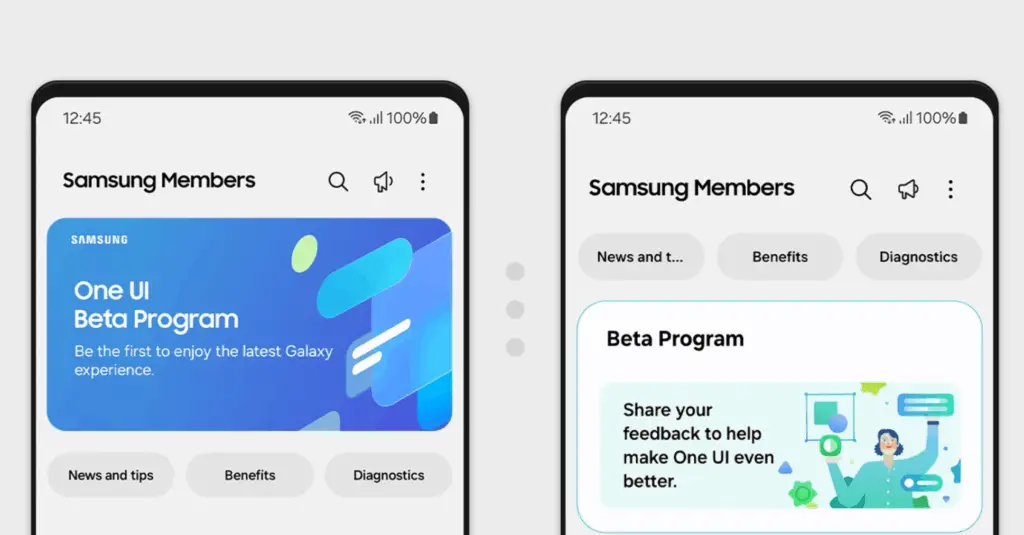
Step 2: Install the Samsung Members App
Open the Samsung Members app.
Step 3: Look for the One UI 9 Beta Banner
Tap “Enroll.”
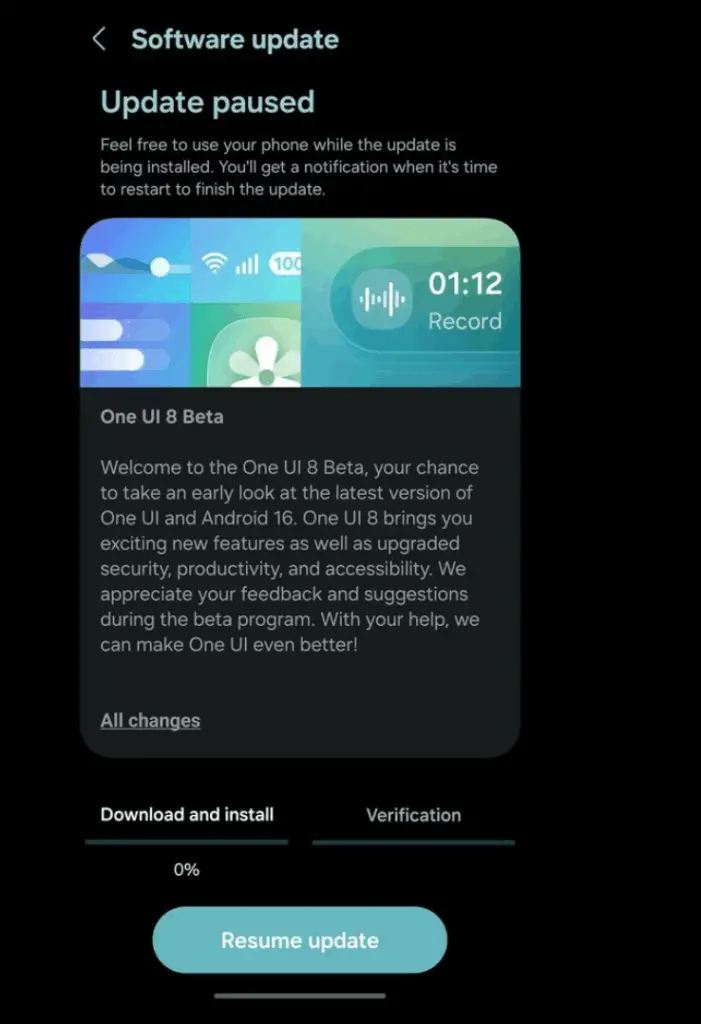
Step 4: Download Update
Go to:
Settings → Software Update → Download & Install
Important Beta Warnings
- Back up your data
- Expect bugs
- Banking apps may not work
- Battery life may fluctuate
Who Should Install Beta?
Install if:
- You enjoy testing new features
- You understand potential instability
Avoid if:
- Your phone is mission-critical
- You rely on mobile banking daily